Online tow booking with automatic dispatch
Your customerswould rathertap than call.
Booking a tow takes seconds, not a phone call. Customers get an instant quote by text or book right away, share their GPS in one tap, and your next driver is dispatched automatically.
- Unlimitedbookings. No caps or tiers.
- Built by tow operators.For tow operators.
- Month-to-month.No contracts.
One dispatch platform
However customers book, the job lands with your next driver.
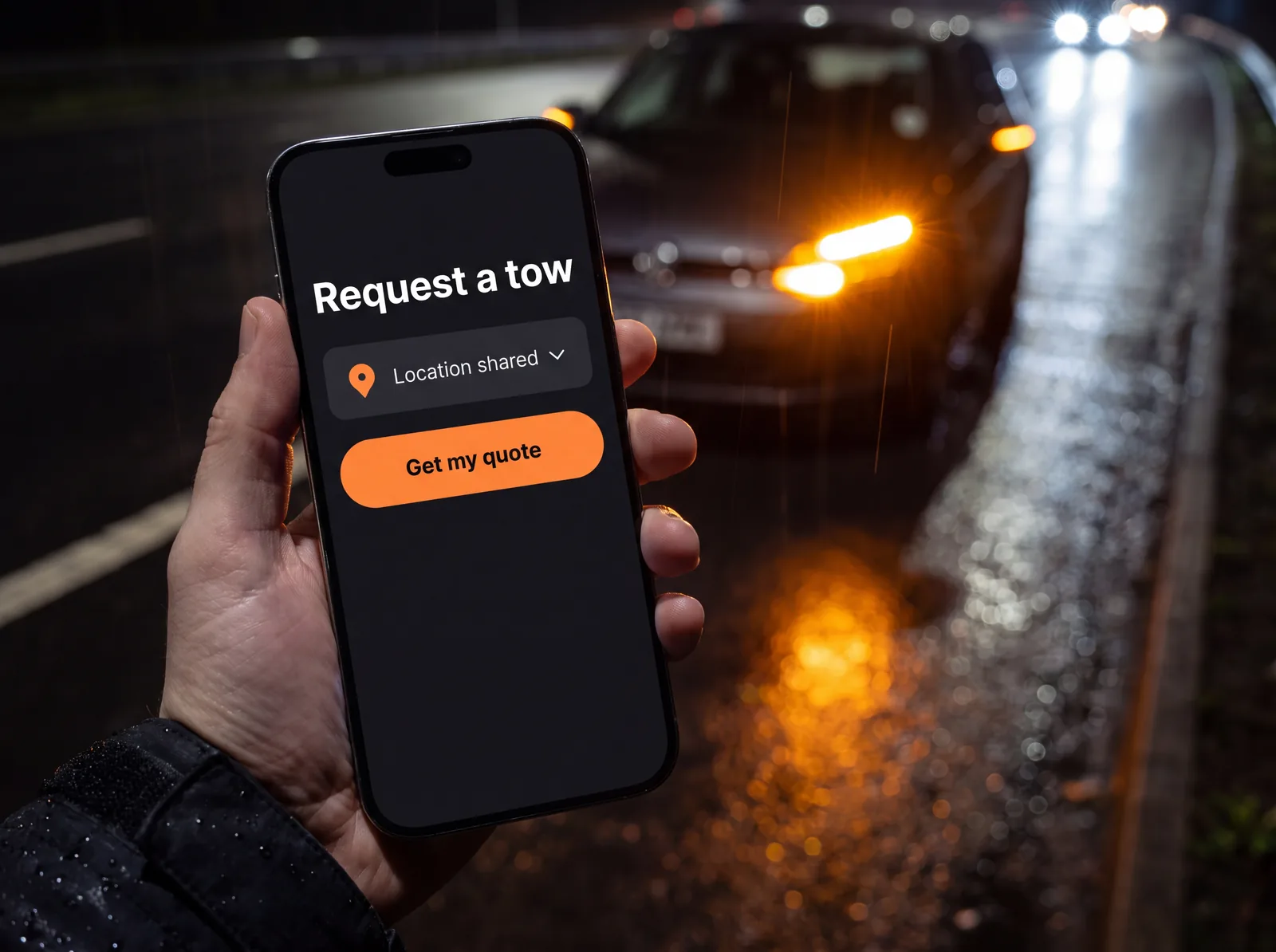
Book a tow without a phone call.
A form on your website where customers get an instant quote or book a truck right away. GPS in one tap, and your next driver is dispatched automatically. We’ll add it to your website for free.
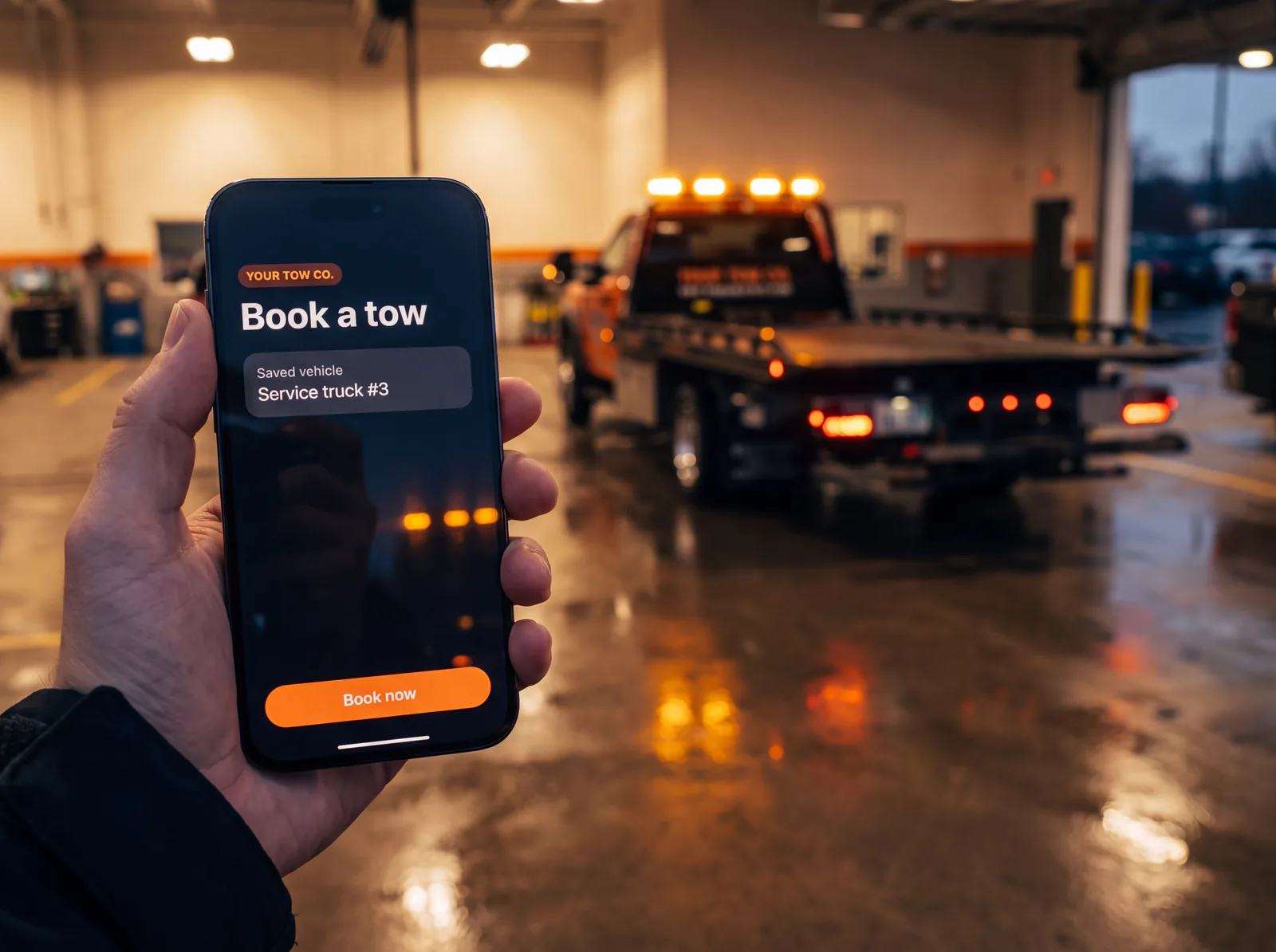
Your company, on their home screen.
A custom app with your name and logo, so dealers, body shops and repeat customers book in seconds.
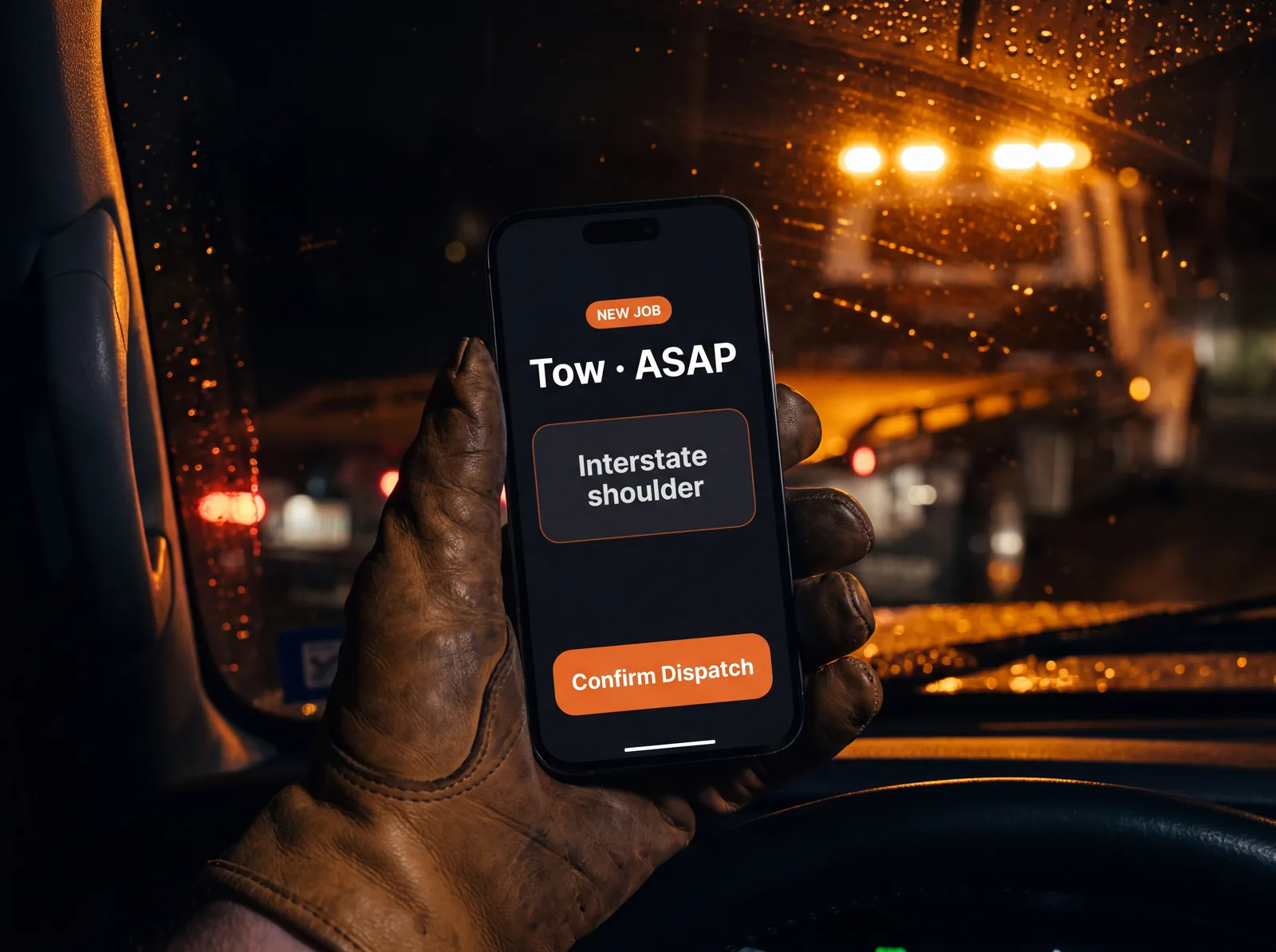
Your driver rotation, run automatically.
Drivers get a push notification and confirm in the Towmatic app. Each job goes to the right truck, light, medium or heavy duty, based on rules you set. No confirmation in time? It rolls to the next driver.
Where tow booking is going
Your customers already book everything else online. Towing is next.
Food, rides, appointments: people would rather tap than call. Instant Dispatch Forms make your company the easy one to book, from any phone.
- FoodOrdered in a few taps.
- RidesBooked without a phone call.
- AppointmentsScheduled online, any time.
- TowingBooked in seconds with your Instant Dispatch Form.
On your trucks
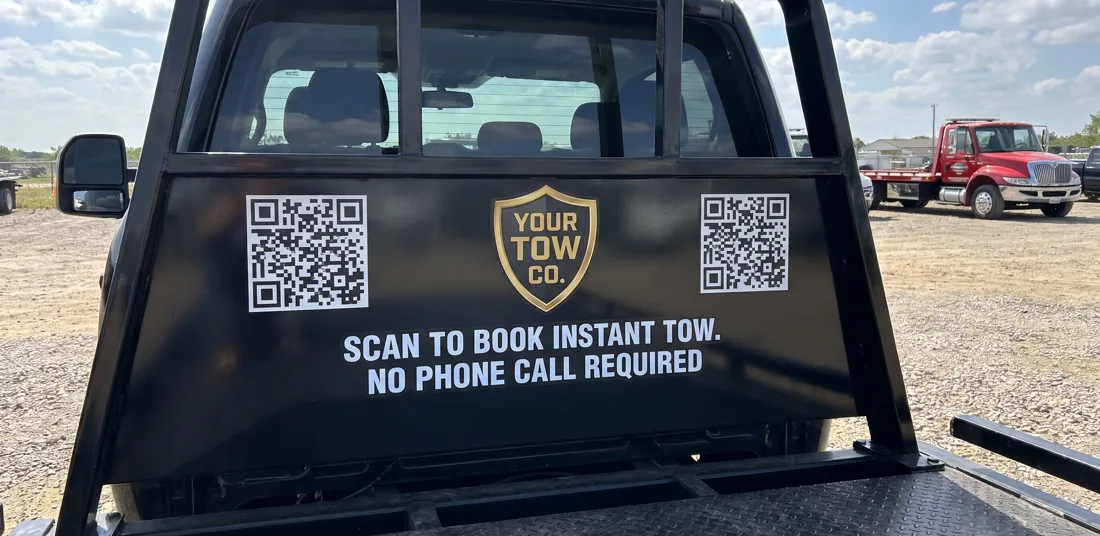
Scan to book. No phone call required.
Put QR codes on your trucks. Anyone who needs a tow scans the code, books in seconds and gets a driver dispatched automatically.
Your dashboard
See exactly what Towmatic brings in.
Every booking is tracked to its source, whether it came from your online form or your app. Check your jobs, quotes and revenue by channel any time, so you know what’s working.
Your Towmatic dashboard
Tracked for every booking
- Bookings by sourceOnline form or your app
- QuotesSent, accepted and booked
- Revenue by channelWhat each booking channel brings in
How it works
How it works
Customer requests a tow.
From your online form, a QR code or your app. They can get an instant quote from your rate sheet first, or book right away.
Towmatic books and dispatches.
Once they book, or reply YES to their quote, SmartDispatch sends the job to your next driver on call.
Driver confirms.
One tap in the Towmatic app, or it rolls to the next driver.
FAQ
Questions tow owners ask.
I already have a “request a tow” form on my website. Why would I need this?
Ask yourself two questions: Is someone watching it at 2 AM? And does it send the job straight to a driver?
Most website forms just send an email to an inbox. The request sits there until someone checks it, and by then the customer has already called the next tow company.
An Instant Dispatch Form gets the customer’s exact location and dispatches your next driver in seconds, with an instant quote from your rate sheet first if they want one. Even when nobody is watching it. If your form doesn’t do that, it’s costing you tows and service calls.
What if a customer needs to cancel a tow?
No problem. Every booking confirmation text includes a link the customer can use to update or cancel their tow. Any update, change or cancellation goes straight to the driver who was dispatched, so nobody has to pass it along.
What if I only want Towmatic for certain jobs (like police or private property)?
No problem! You choose which booking forms to use (ASAP tow, ASAP service, scheduled, private property, fleet/account, police or motor club) and where to share them. The choice is yours how you want to use it.
Can I control which trucks get which jobs?
Yes. You set your own dispatch rules. For each of your trucks, choose whether it takes light, medium and heavy duty jobs Always, Only If Needed, or Never. For example, a heavy duty tow can go only to a heavy duty truck on call, and if none is on call, fall back to a medium duty truck set to Only If Needed.
Do I have to dispatch automatically to a driver?
No. You can send every booking to your dispatcher first instead of straight to a driver. Your dispatcher reviews the job and assigns it the way your team already works.
Can I see every booking Towmatic takes?
Yes! You’ll have access to your own Towmatic dashboard where you can see every booking, tracked to where it came from.
Can I change my rates?
Yes, any time, from your dashboard. Quotes use your rates from that point on.
Does it know my service area?
Yes. You set the states you work in and it turns down work outside them.
Can I change things myself, or do I have to call you?
Almost everything is yours to change: your rates, your rotation, your booking forms, your properties and agencies. We’re here if you want help, but you’re not waiting on us.

Take Towmatic for a test drive.
Click around the full dashboard and book a test tow with the online booking form yourself.